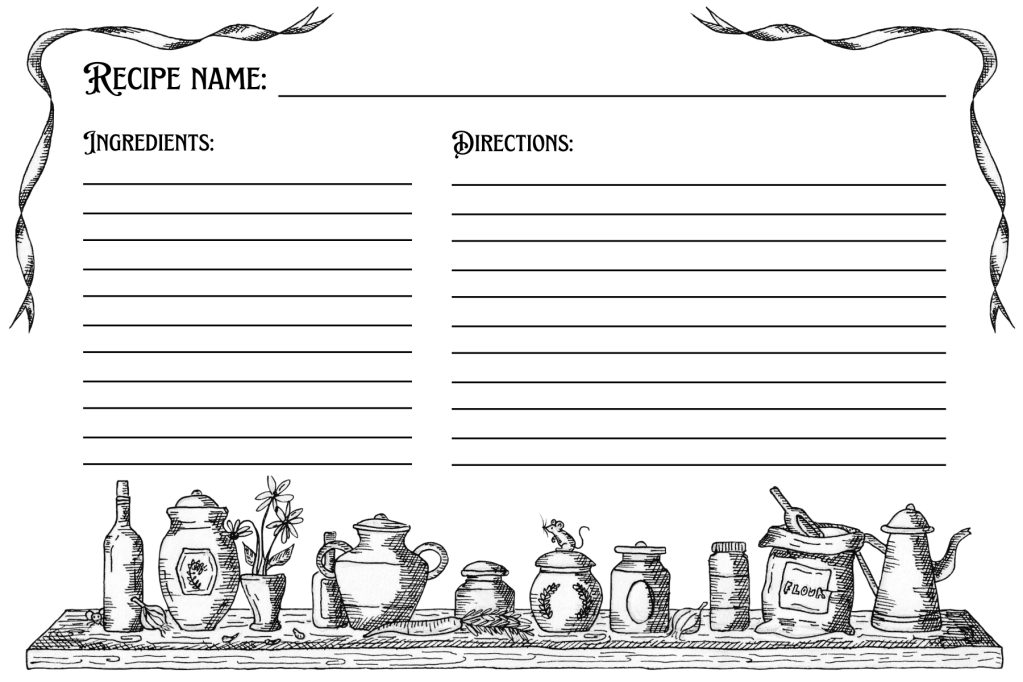
Just make a free Canva account and you’re ready to go!
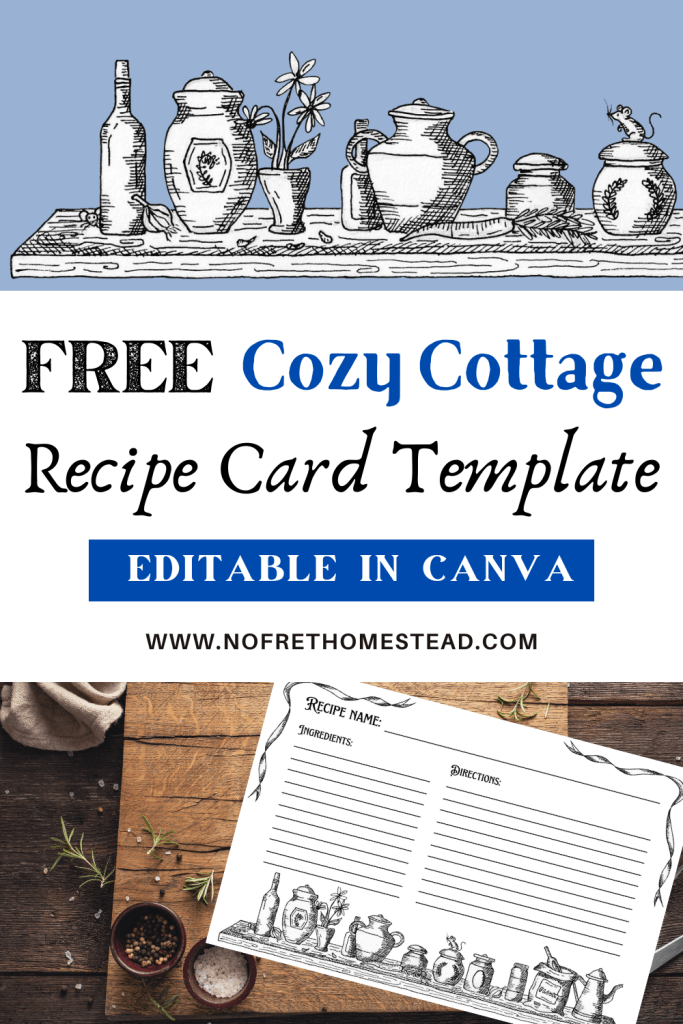
If you’re like me, you likely have your favourite recipes written down in an old, stained notebook or you’re finding yourself scrolling through the hundreds of screenshots in your phone trying to find that one recipe you love to make.
I’m personally tired of my old notebook that’s falling apart, and I’m also just about done with the never-ending phone scrolling for recipes. If you live in a small house like I do, you’ll also find that a notebook takes up precious space on a small countertop.
So I took an evening to draw out my very own cozy cottage design for a recipe card – perfect for all my bread recipes too! Now I just pull out the recipe card I need, so that I can take up a lot less space on my counter, and I don’t have to double tap my phone screen all the time to keep track of what step I’m on (bonus points: I may even laminate these and then I won’t have to worry about food stains!).
So here’s how it works:
Download the PDF below, where you’ll find a link that takes you to a Canva Template. From here, you can either print the recipe card out and hand-write your recipe, or you can head to the “Text” tab in Canva, add a text box, and type out your recipe ingredients and directions first before printing.
When you’re ready, just download your recipe card as a PNG, JPEG, or PDF, and print it out. It’s that easy!
I’ve created a recipe card template in both portrait (4″ x 6″) and landscape (6″ x 4″) orientations – the portrait style recipe card is especially helpful for longer recipes that include more directions or notes.
So without further ado, check out my templates below and enjoy!
Click here for the Cozy Cottage Recipe Card Template (Landscape)
Click here for the Cozy Cottage Recipe Card Template (Portrait)


 No Fret Homestead
Leave a comment